Product Updates
Author
Jason James
May 1, 2025
6
min read
Tezi’s latest updates put you firmly in control — review interested candidates before interviews, set up roles with intuitive UI, track sourcing insights, and let Max handle smarter Q&A follow-ups.
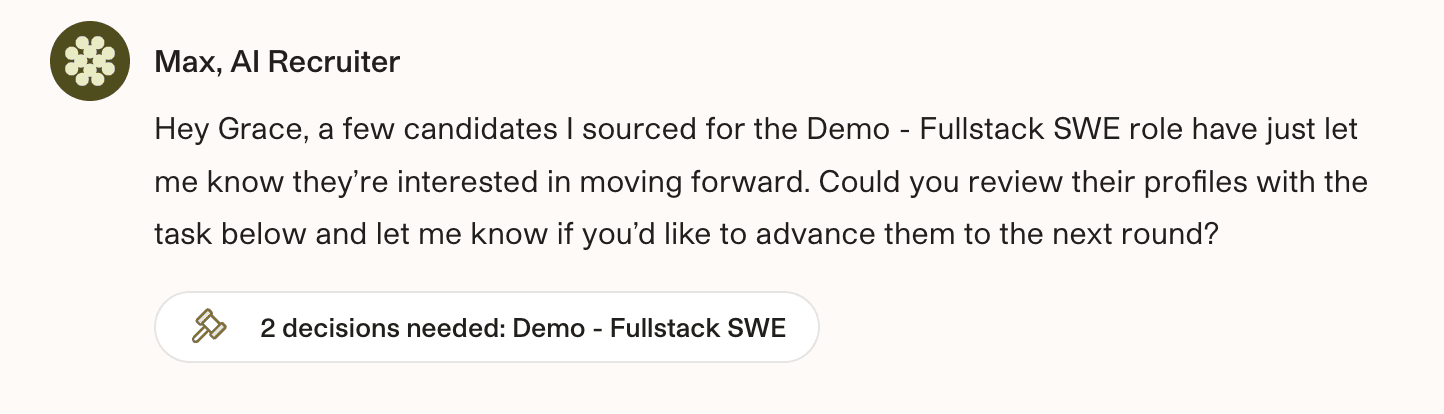
New Feature: Review interested, sourced candidates before they advance to interviews
Starting today, when a candidate sourced by Max replies with interest, Max will ping you to review the candidate's profile instead of automatically advancing them to interview. Our goal with this change is to give you enhanced control over which sourced candidates you spend time with. We believe that every interview that lands on your calendar should be one that you're excited about. ✨
How It Works
If you decide to advance any of the interested candidates, Max will move them forward and kick off scheduling (if configured). If you decide to decline, Max will notify the candidate 24 hours later with a tactful explanation about how the role's target profile has evolved.This new decisioning point applies to every role where (a) Max is sourcing and (b) Max's chat screen is not turned on for sourced candidates. For roles where Max's chat screen is turned on for sourced candidates, it will continue to ping you for a decision after a completed chat screen.If you find yourself declining a large percentage of sourced candidates, we encourage you to consider recalibrating Max to better target your desired profiles. Let us know if you have any questions.
Role setup & revisions just got a **lot** easier
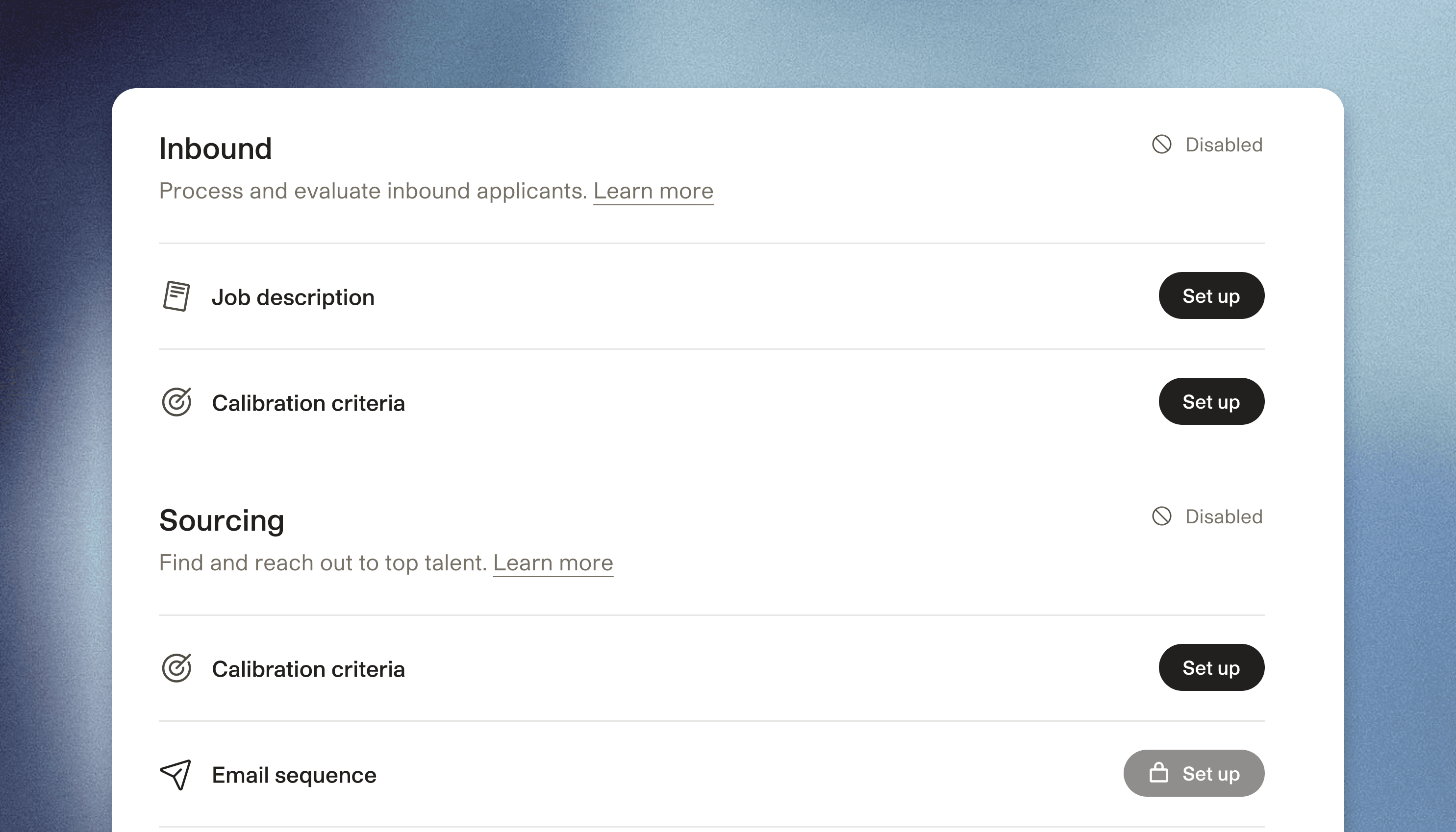
We heard you that chatting with Max for role setup often feels slow and hard. Chat’s great for some things but setting up (or revising) a role isn’t one of them. Starting today, you can use the Roles tab to see all your active roles, open a new one, and see what features you have turned on for each.
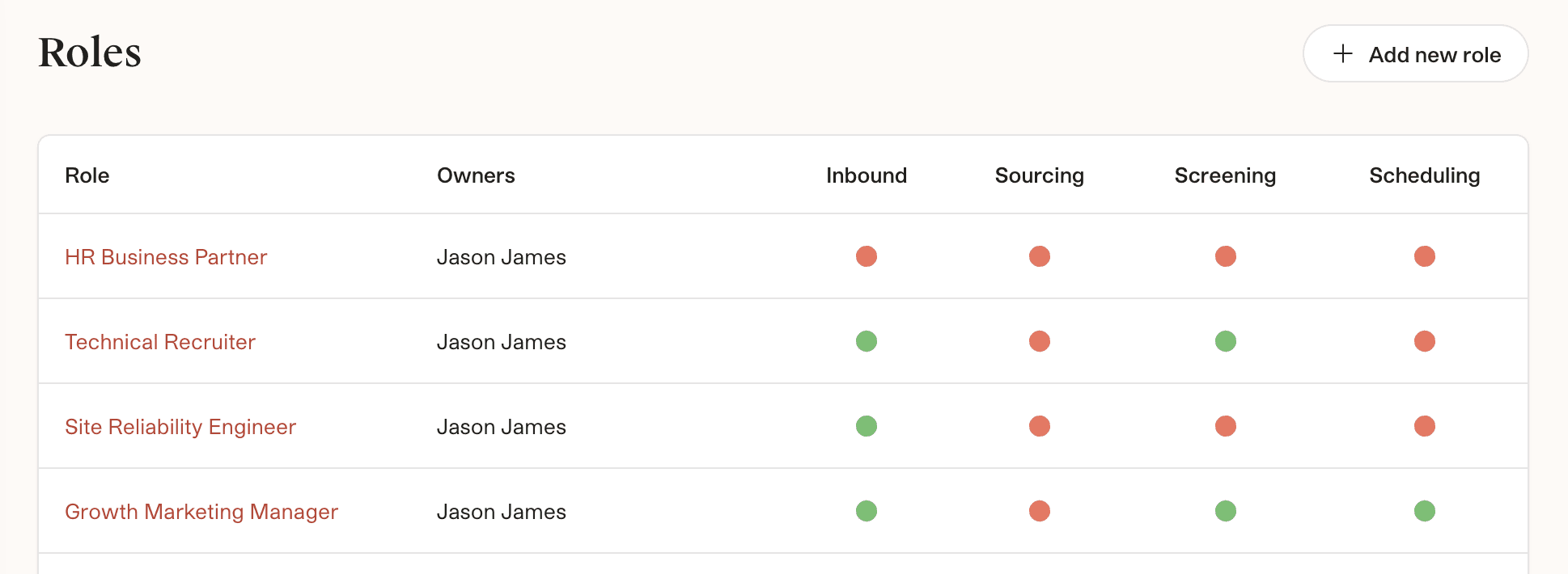
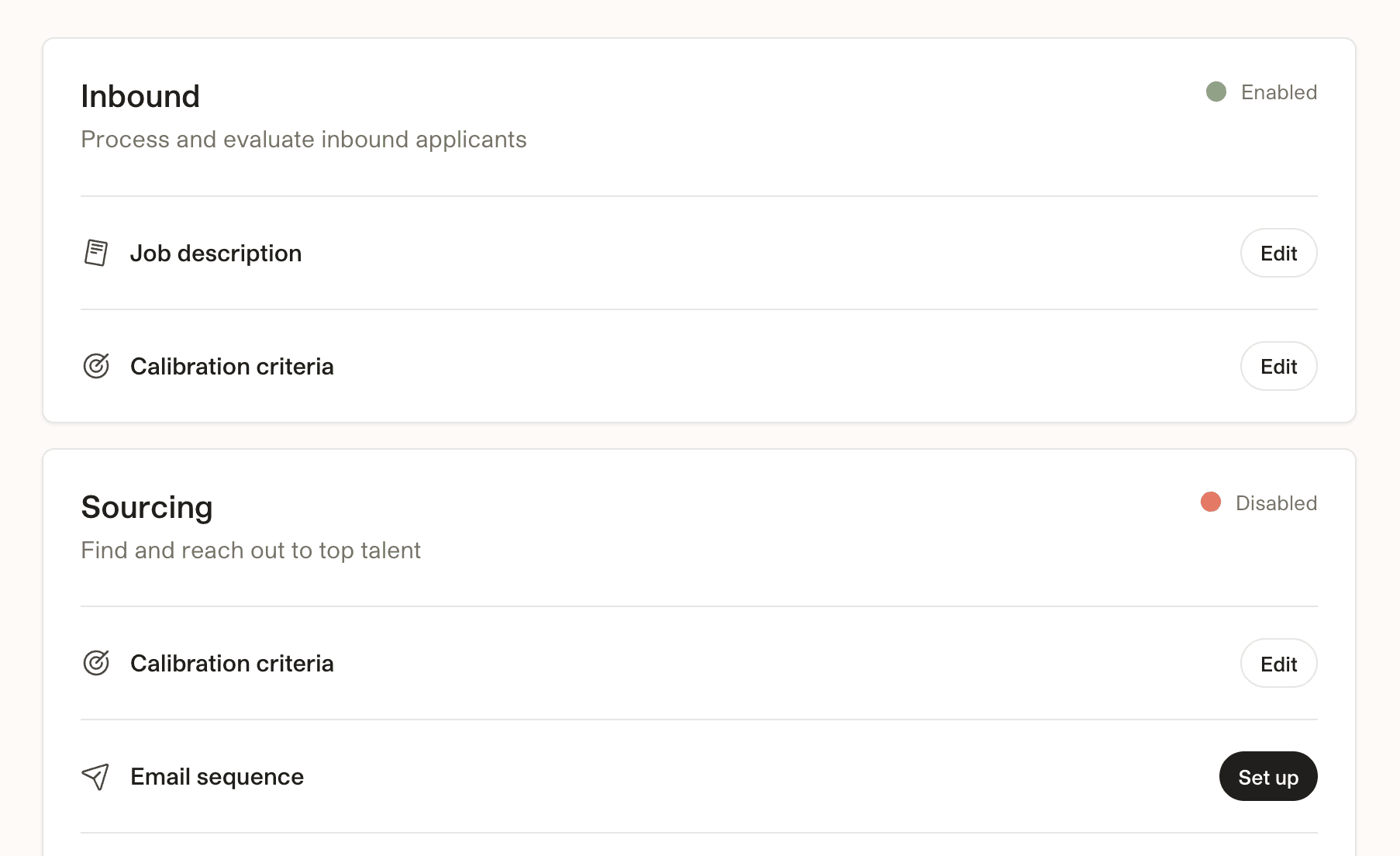
From there, clicking on any active role brings you to a Role Setup page with traditional software UI to manage most role setup tasks – such as sourcing volume, role context, calibration criteria, etc. We hope these changes speed up your workflow and provide more clarity about what Max is or isn’t doing on each of your roles. Let us know what you think!