Product Updates
Author
Jason James
Jul 1, 2025
1
min read
Tezi’s new streamlined workflow lets you advance or reject candidates right from the Pipeline.
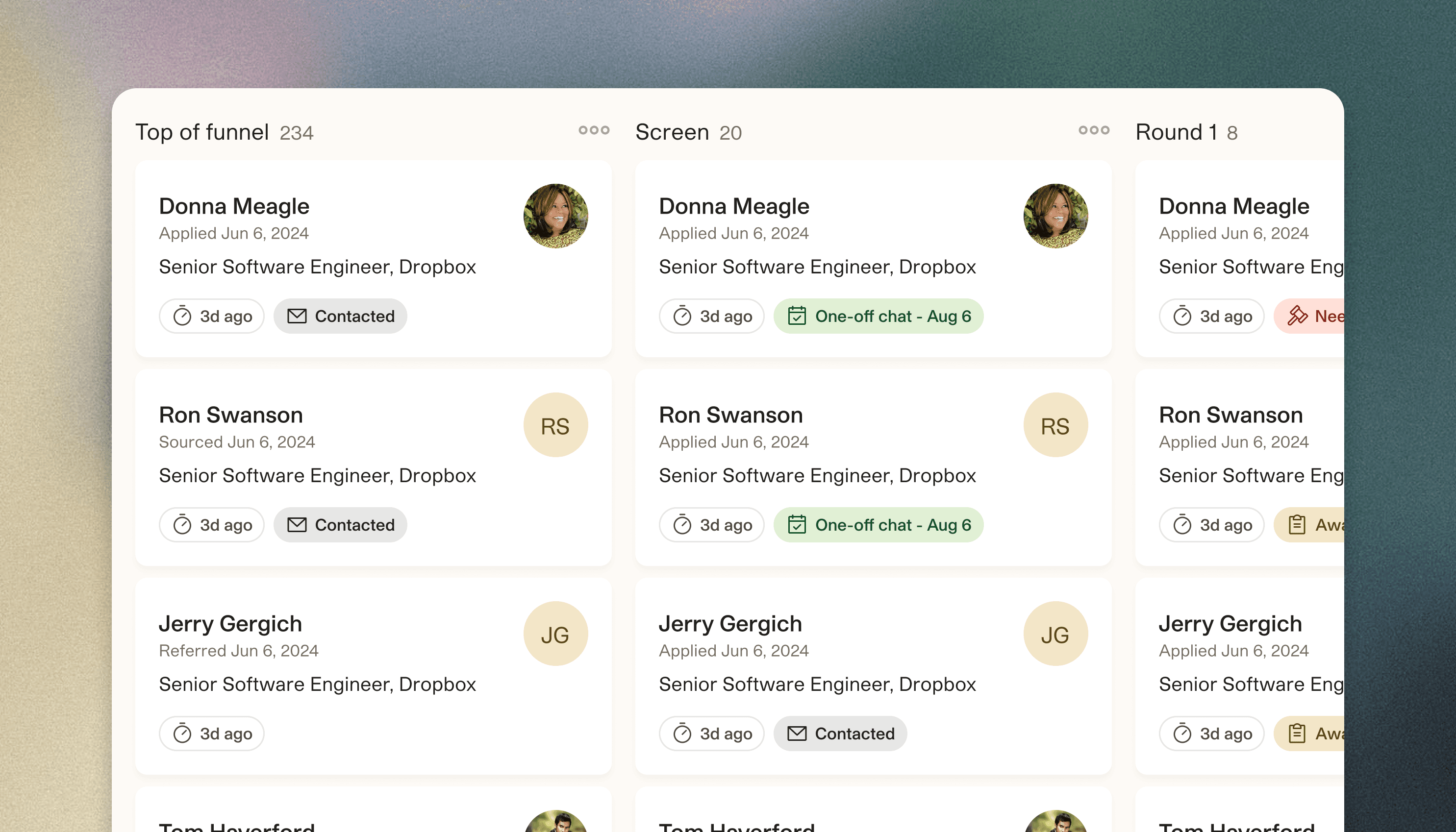
Advance and reject candidates more quickly and easily
Starting today, you’ll see a new (but likely more familiar) workflow for deciding candidates in Tezi. Rather than chatting with Max, you’ll be directed to a filtered view of the Pipeline. Each candidate has an overflow menu to “Advance…” or “Reject…”. If your ATS is integrated, the rejection reasons are populated. You can easily control whether Max sends a rejection email or not, as well as preview the email’s content and timing.